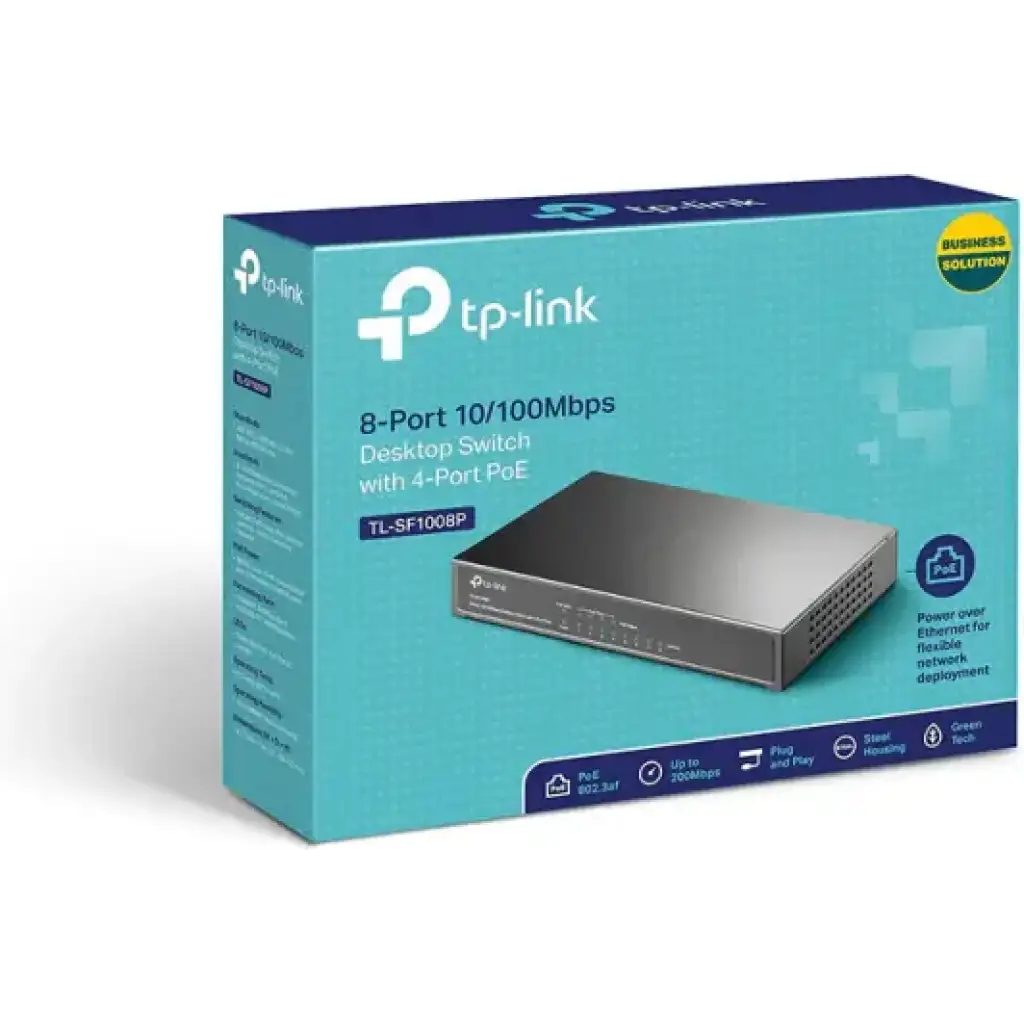
TP-Link
TP-Link 9-Port 10/100Mbps Desktop Switch with 8-Port PoE+ - TL-SF1009P
KES 5,500
In StockSPECIFICATIONS
-
8× PoE+ ports with 30W max per port
-
Total PoE power budget up to 65W
-
Plug-and-play setup with automatic power detection
-
Fanless, metal desktop housing for silent operation
-
Built-in priority and protection for safer PoE delivery
Product Description
TP-Link TL-SF1009P: A Solid 9-Port Switch with 8 PoE+ Ports for Small Biz and Security Cams
The TP-Link TL-SF1009P 9-Port 10/100Mbps Desktop Switch with 8-Port PoE+ is a great pick if you need a small, strong, and cheap PoE switch. Whether you're setting up security cameras, powering wireless stuff, or growing your office network, this easy switch works great without being too complicated.
You The TL-SF1009P is super simple to set up, has good PoE+ power, and has cool features for things like camera systems. Let's check out what it can do, what's good about it, how to set it up, and why it's one of the best PoE switches.
What's This TP-Link TL-SF1009P All About?
The TP-Link TL-SF1009P is a simple desktop switch with 9 x 10/100Mbps RJ45 ports, and 8 of them do PoE+ (IEEE 802.3af/at). This means it sends both data and power through one cable to things that can use it, so you don't need extra power plugs.
Key Highlights:
- Total PoE Power: 65W (up to 30W on each PoE port)
- Switching Power: 1.8 Gbps
- Speed: 1.3392 Mpps
- MAC Address Table 2K
- Size: 171 × 98 × 27 mm (small enough for a desk or wall)
- No Fan: It's quiet and the metal case cools it down
- Power: External (53.5V DC / 1.31A)
This switch isn't as fast as Gigabit switches, running at 10/100Mbps. But it's awesome if you don't need super high speeds, like with PoE cameras or phones that don't use much bandwidth.
Key Featuresof TL-SF1009P PoE Switch
TP-Link gave the TL-SF1009P some useful things that make it great for camera systems and growing small networks.
1. 8 PoE+ Ports with Smart Power Control
- Works with IEEE 802.3af/at
- Knows when something needs power and only gives it then
- Protection: If it uses too much power (over 65W), it powers the higher-numbered ports first and shuts down the lower ones to keep it safe
- Auto Fix: It restarts PoE devices that freeze up, so they keep running
2. Long Distance Mode
A cool thing is Extend Mode, which you turn on with a switch. It sends PoE up to 250 meters away (at 10Mbps), which is awesome for putting cameras in big places or outside where you don't have plugs. Normally, it only goes 100 meters.
3.Important Device Mode
Turn on Priority Mode to make ports 1-2 faster. This keeps things like cameras or phones working well when the network is busy.
4. Keep Things Separate Mode
Flip a switch and Isolation Mode keeps ports 1-8 separate, stopping anyone from snooping around. Great for public Wi-Fi or guest networks.
5. Just Plug It In
It's an easy switch, so you don't need any software or setup. Just plug in your stuff and it works. It figures out the best speeds and you don't need special cables.
6. Strong and Silent
- The metal case keeps it safe
- No fan means no noise – awesome for offices or homes
- You can mount it on a wall
- They tested it a lot to make sure it lasts
Why Use PoE+?
Power over Ethernet (PoE) makes things easier by putting data and power in one cable. Here's why the TL-SF1009P's PoE+ is so great:
- Saves Money: Less cables and no need for plugs everywhere. If you have 8 cameras, you could save a lot on wiring.
- Easy to Place: Put PoE devices anywhere within reach – ceilings, walls, outside.
- Works Well: Power is controlled in one place with overload protection and auto-fix, so less downtime.
- Saves Energy: Only gives power when needed; good for the environment.
- Easy to Grow: Add more cameras or wireless without rewiring everything.
Compared to switches without PoE, the TL-SF1009P can save small businesses a chunk of money on setting up systems that use the internet.
The TL-SF1009P is great for when you have lots of PoE devices:
1.Camera Systems
Power and connect up to 8 PoE cameras. Extend Mode lets you cover big areas like offices, schools, stores, or warehouses. Isolation Mode keeps the camera traffic secure.
2. Wireless Points
Put Wi-Fi points in places without plugs – great for more coverage in hotels, schools, or stores.
3. Phone Systems
Connect 8 PoE phones in a small office. Priority Mode keeps calls clear even when busy.
4. Home or Small Office
Use the extra port to connect to your router, then power smart devices, printers, or storage.
5. Stores and Hotels
Power cash registers, signs, or guest Wi-Fi with secure separation.
How to Set It Up
1. Open the Box: Get the switch, power plug, and guide.
2.Put It Somewhere: On a desk or wall (screws not included).
3. Plug It In: Use an Ethernet cable from your router to port 9.
4. Connect PoE Stuff: Use Cat5e cables to ports 1-8.
5. Turn It On: Plug in the power – lights show what's happening.
6. Switch Modes (if you want): Use the little switches for Extend, Priority, or Isolation.
No software or IP address needed. To get the best performance, use good cables and don't go over 65W (like eight 8W cameras = 64W).
The TP-Link TL-SF1009P 9-Port 10/100Mbps Desktop Switch with 8-Port PoE+ is strong for anyone who needs reliable PoE in a small package. With long distance, smart modes, and solid build, it's great for cameras, wireless, and more.